


 117
117
Purpose
SDF is enhancing the security of our network, devices, and data with a new tool called Zscaler. Zscaler runs in the background to block malicious websites, unsafe downloads, and other online threats while you browse.
Sign In
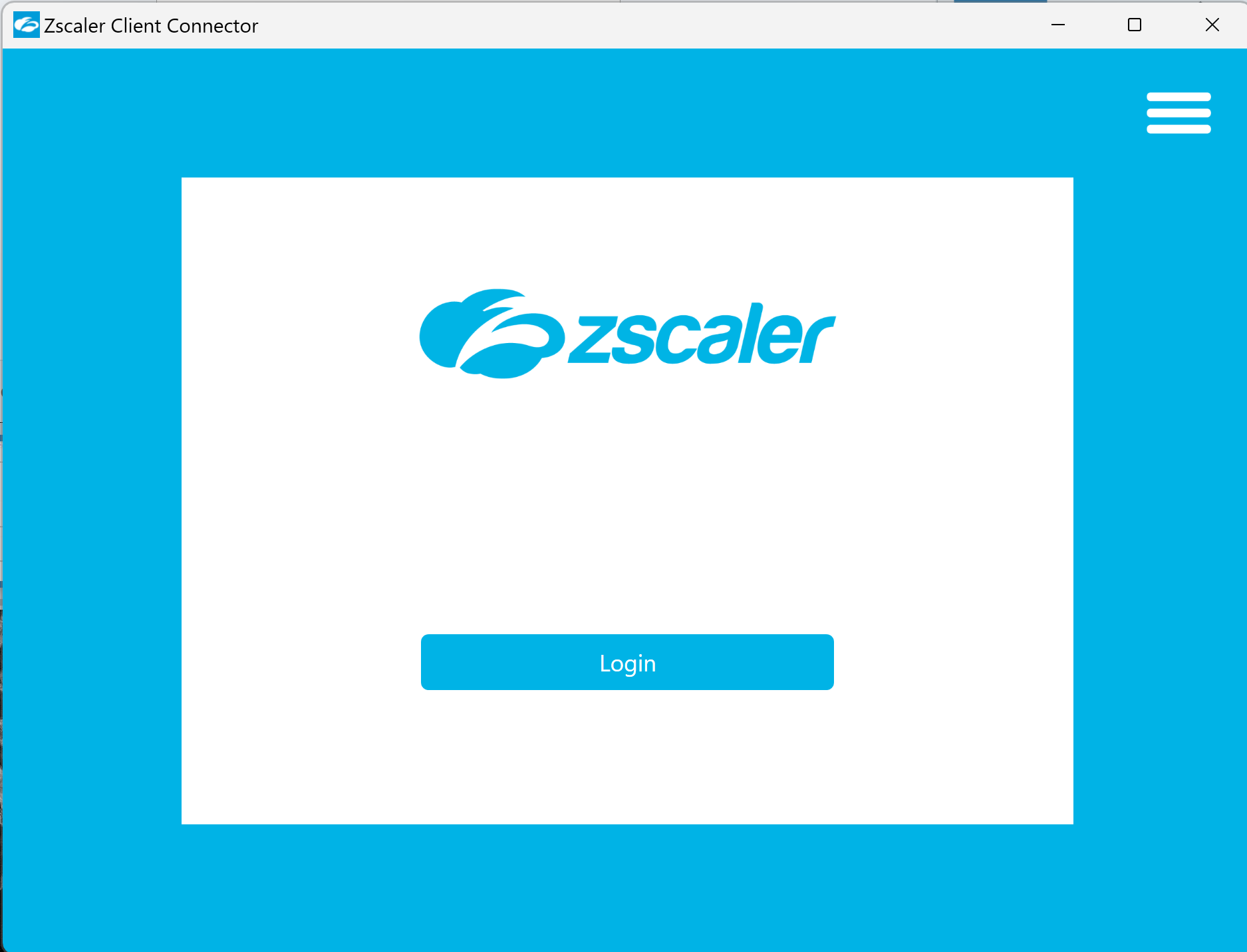
Zscaler will function even if you don’t sign in, but please sign in to prevent the pop-up window from appearing each time you log in your device.
Signing in also allows you and IT to temporarily disable Zscaler for five minutes when troubleshooting. This helps determine whether Zscaler is the cause of an issue.
What to Watch For
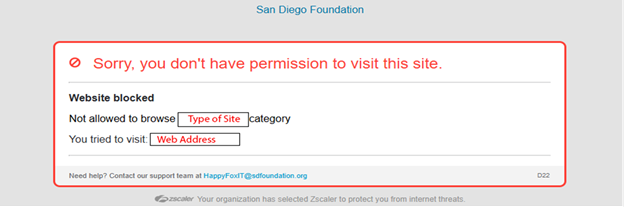
If a legitimate website or service you need for work is unexpectedly blocked, please report it right away. Your feedback helps us ensure you have access to the tools you need while keeping the environment secure.
You may occasionally see a Zscaler block message for a legitimate site. This can happen because:
-
Websites vary widely in how they are built and secured.
-
Some applications include background components that connect to the internet, and not all of these were detected during testing.
If an application stops functioning as expected, please reach out to IT so we can verify whether Zscaler is involved.
Always: If you experience issues with websites or apps that previously worked, submit a ticket.
If Something Is Blocked by Mistake
If Zscaler blocks a site or service you need:
-
Contact the IT team by submitting a ticket by emailing [email protected].
-
Include:
-
The website URL
-
A brief explanation of why you need access
-
A screenshot of the block or error message
-
Note: For some applications, screenshots may not be possible if Zscaler is blocking a background feature rather than the app itself—e.g., The microphone stop working, but the speakers work during a Nextiva call. In these cases, please provide as much detail as possible. The security team will review the app and Zscaler logs to identify the blocked component and work toward a solution.
-
Thank you for your cooperation and for helping us maintain a safe and reliable online workspace.

