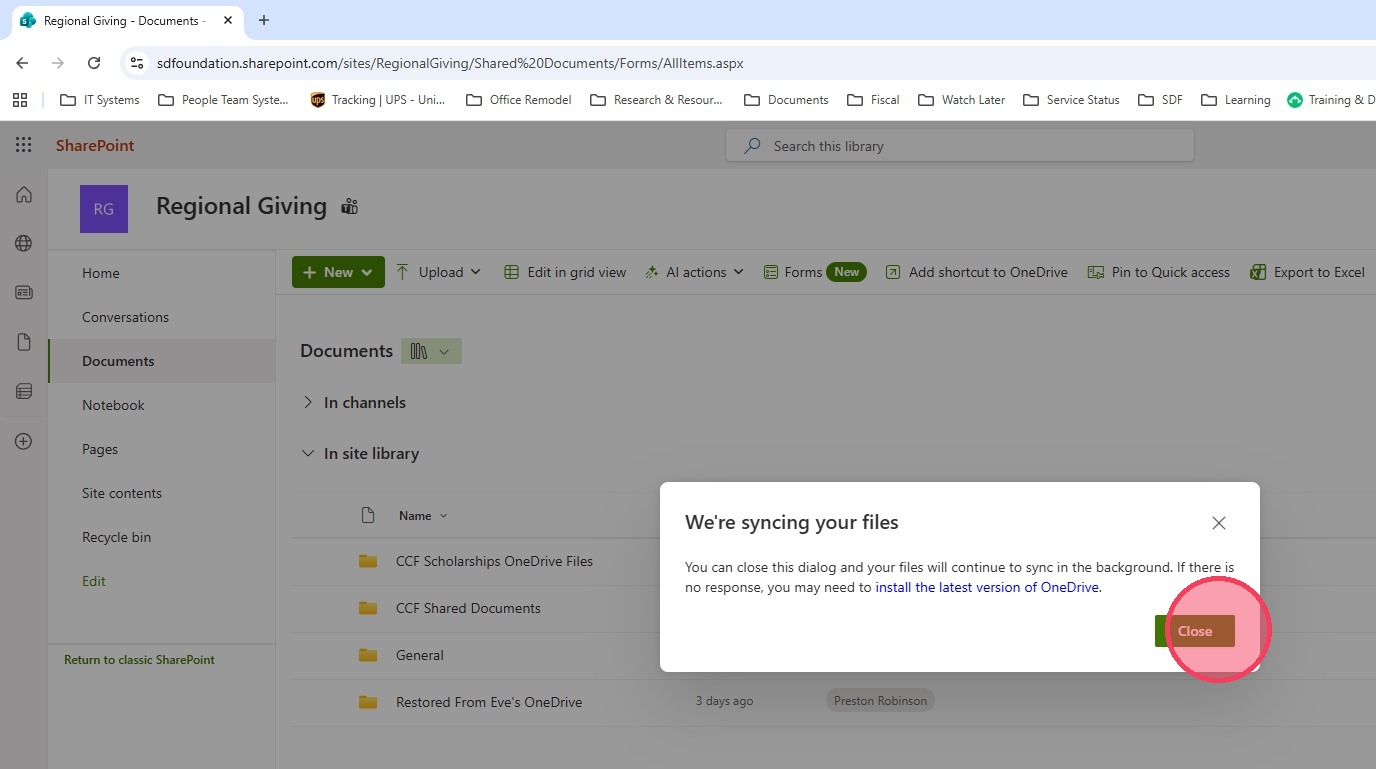
Syncing OneDrive

Last updated: Feb 03, 2026
132
views

DRAFT: Syncing OneDrive
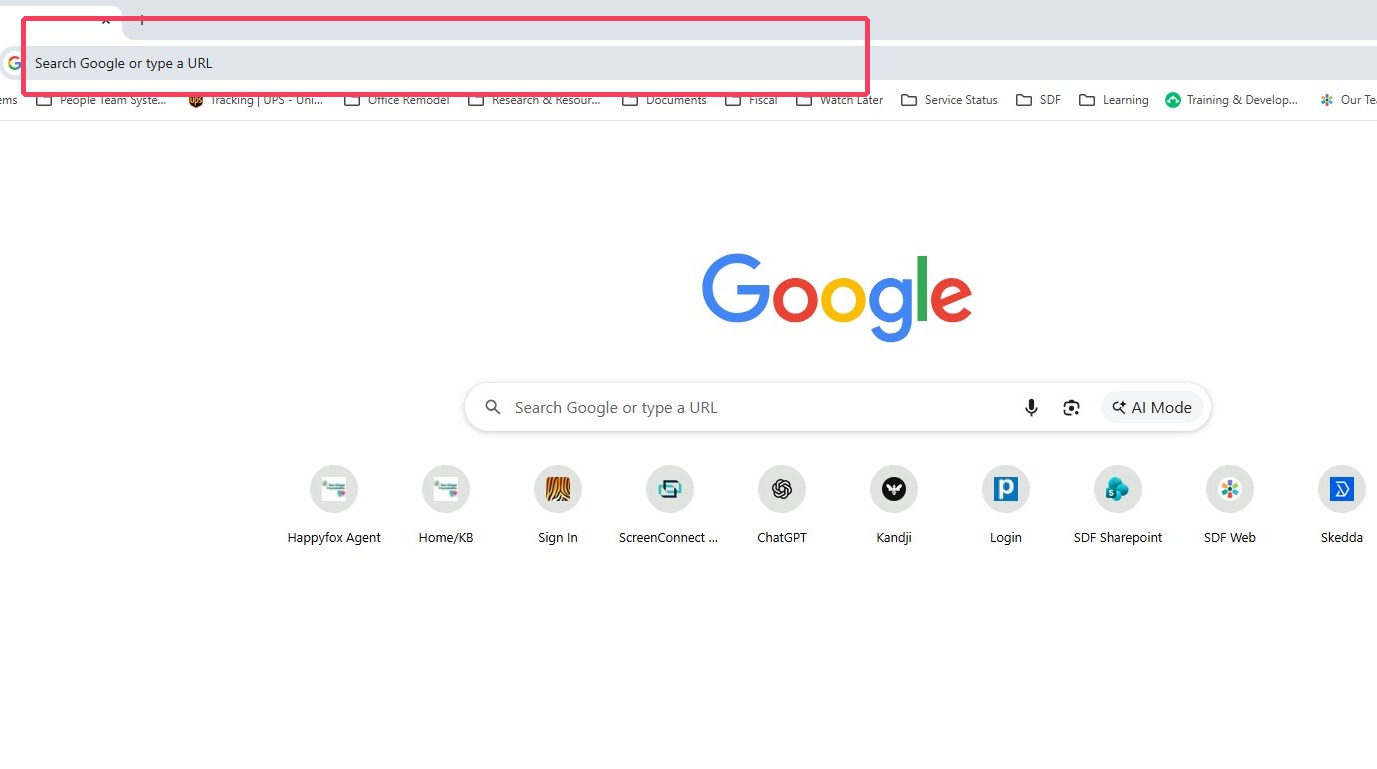
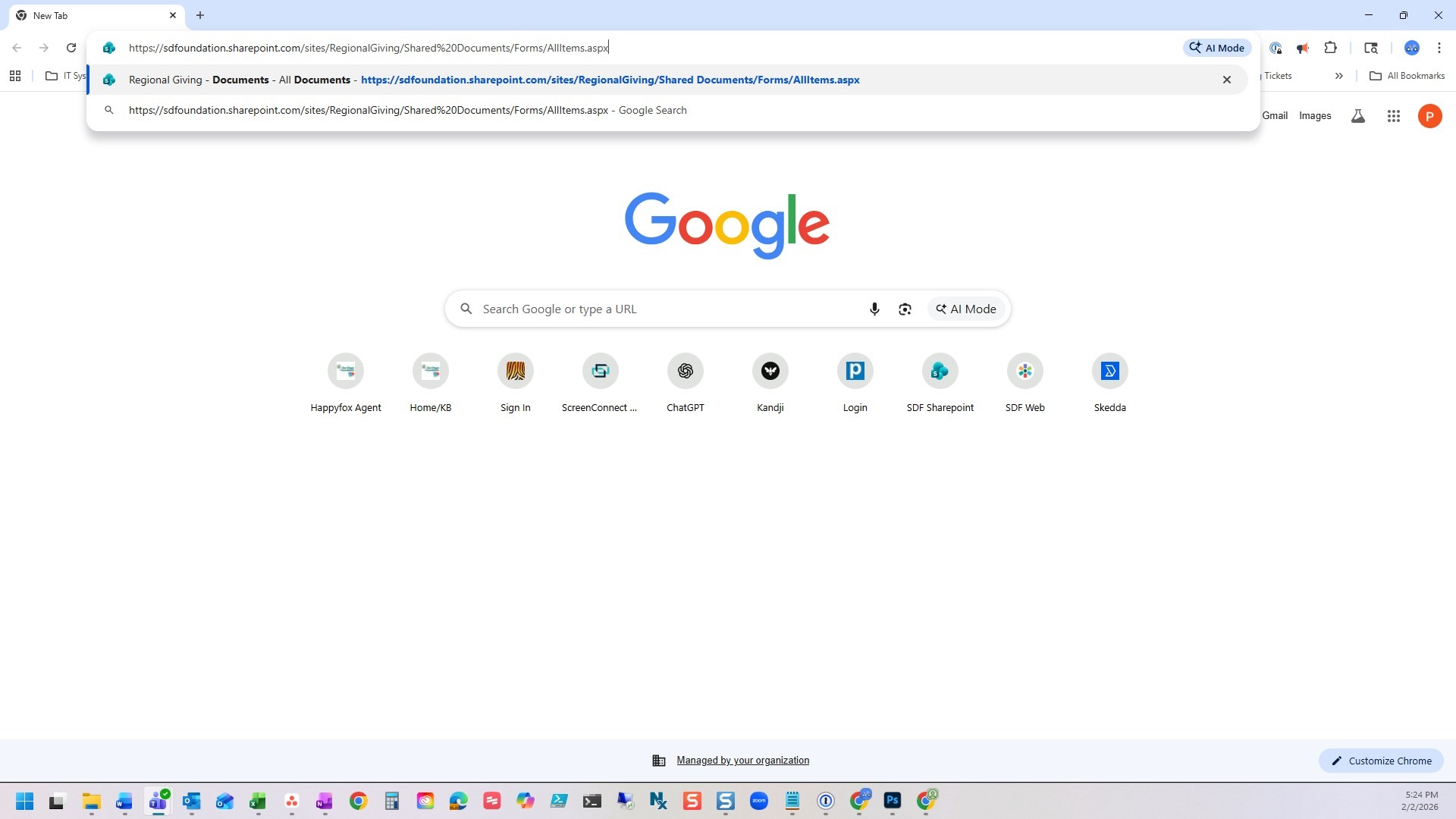
1. Click "Address and search bar" & enter https://sdfoundation.sharepoint.com/sites/RegionalGiving/Shared%20Documents/Forms/AllItems.aspx
2. Press [[Return or Enter]]
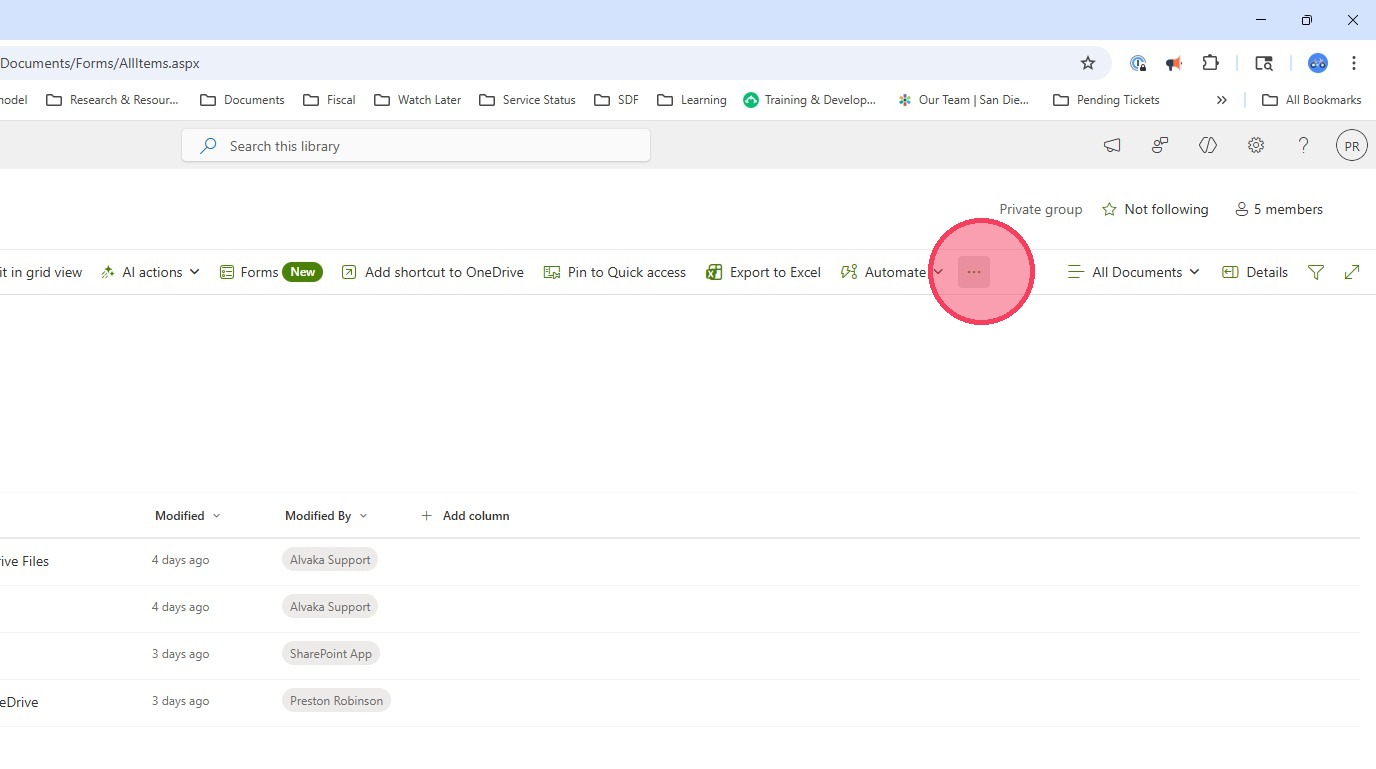
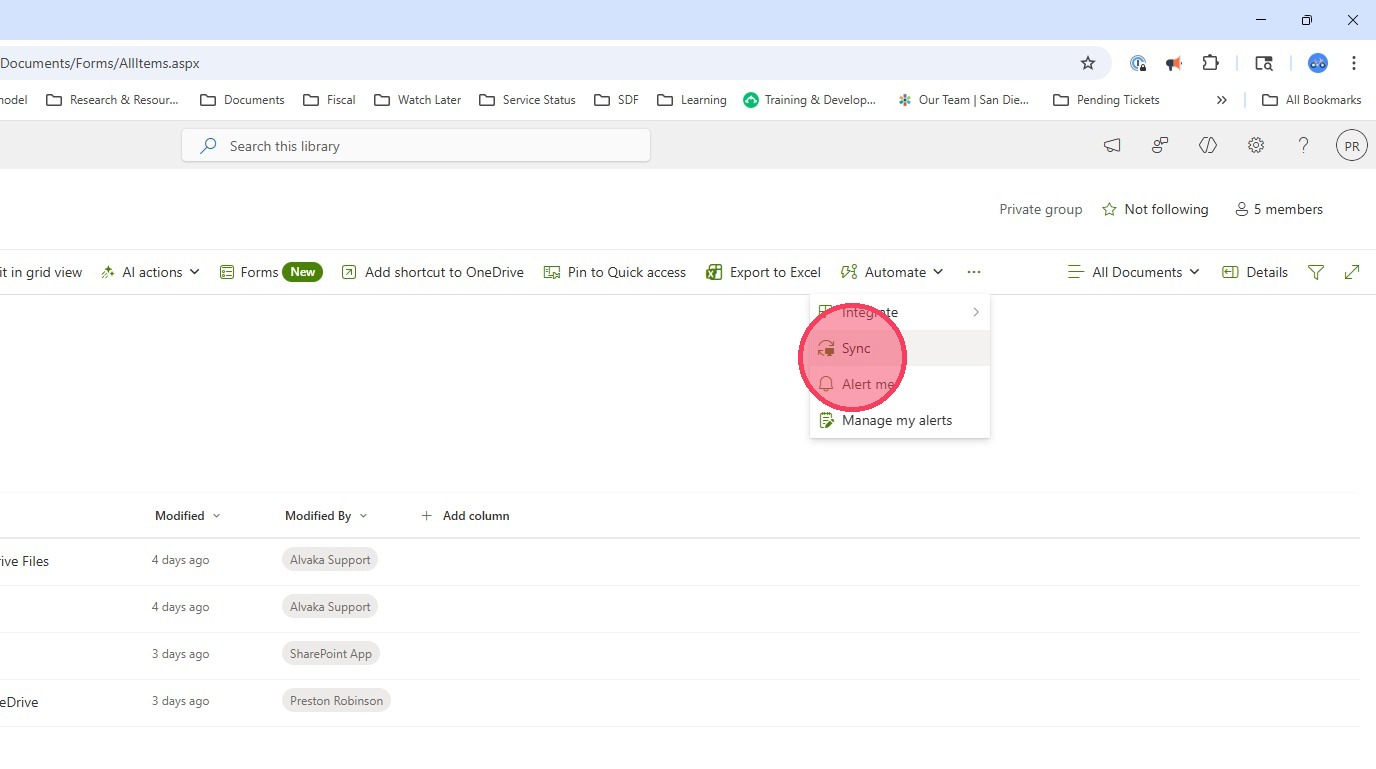
3. Click the three dots for "More"
4. Click Sync
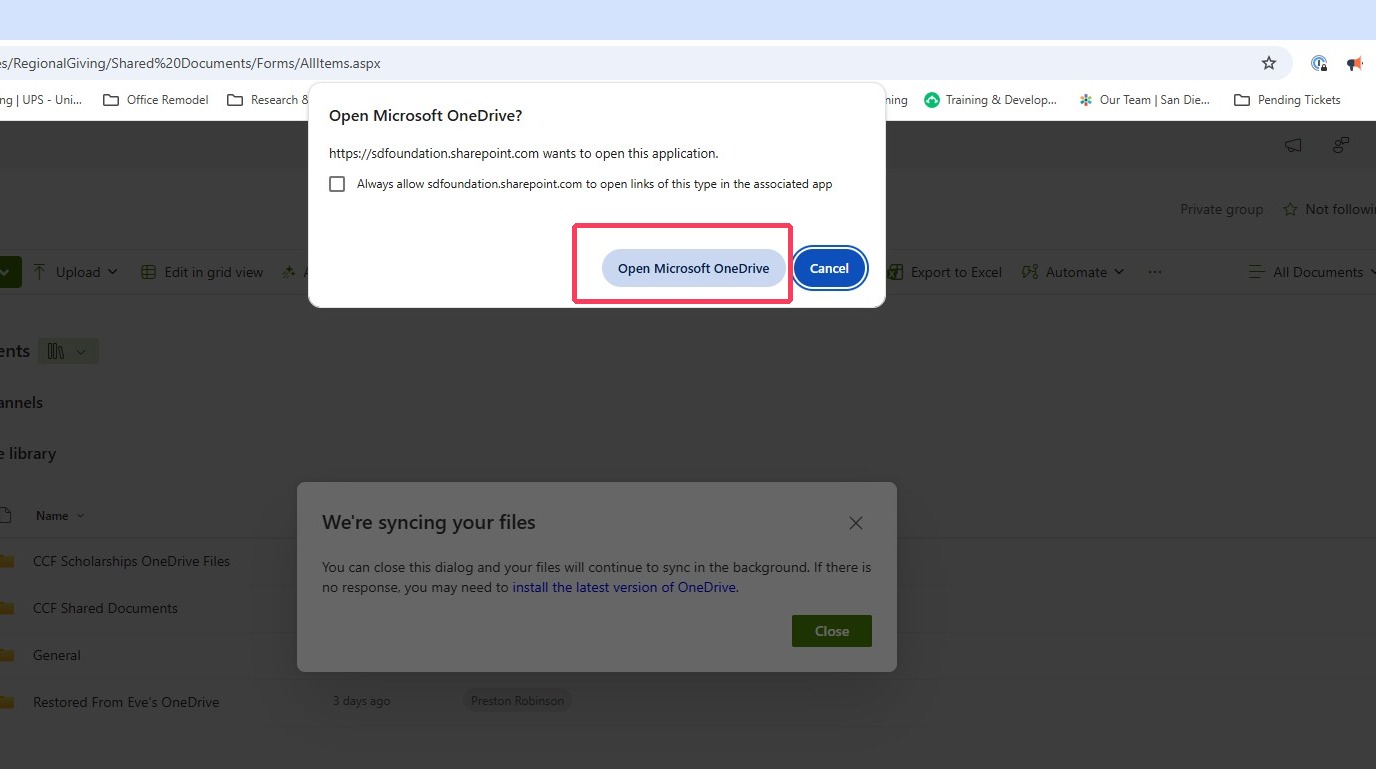
5. Click Open Microsoft OneDrive
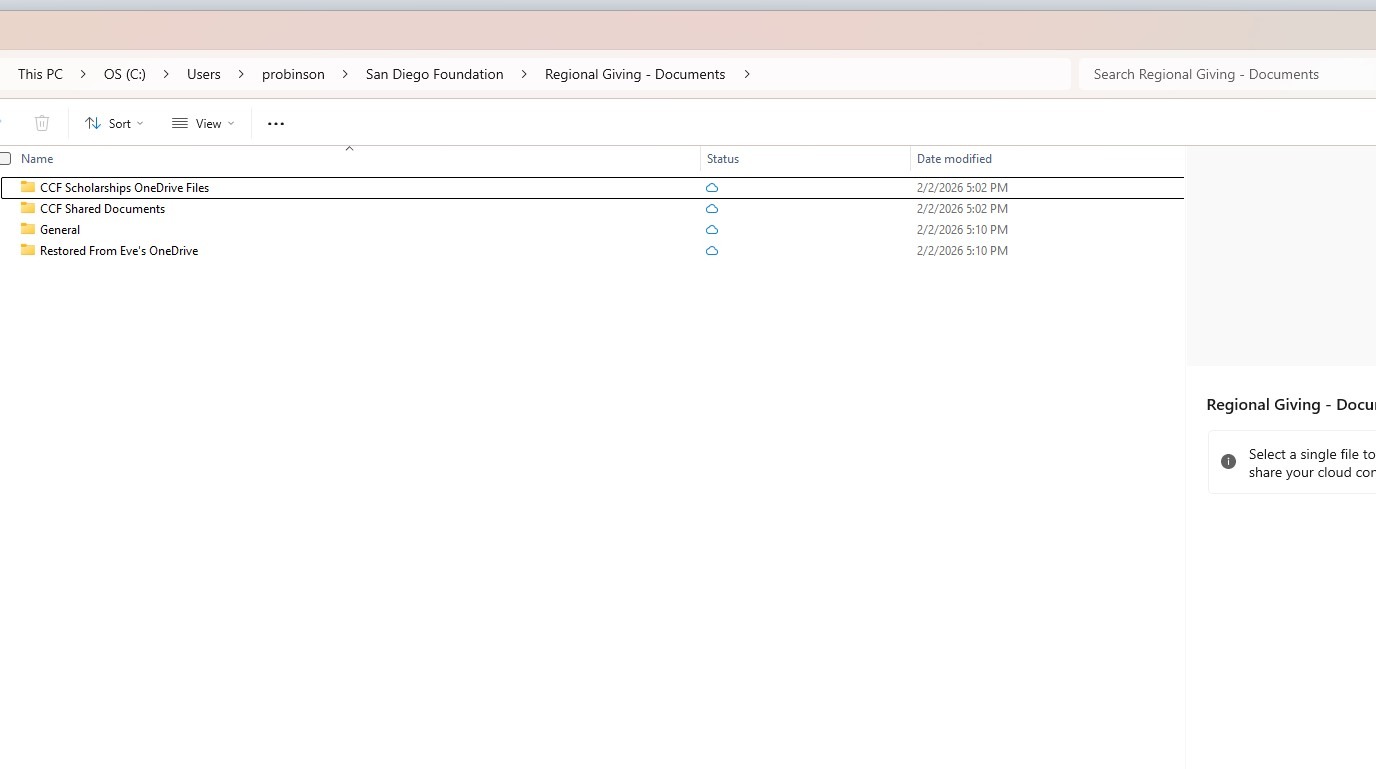
6. A file folder should appear to show you the process has started
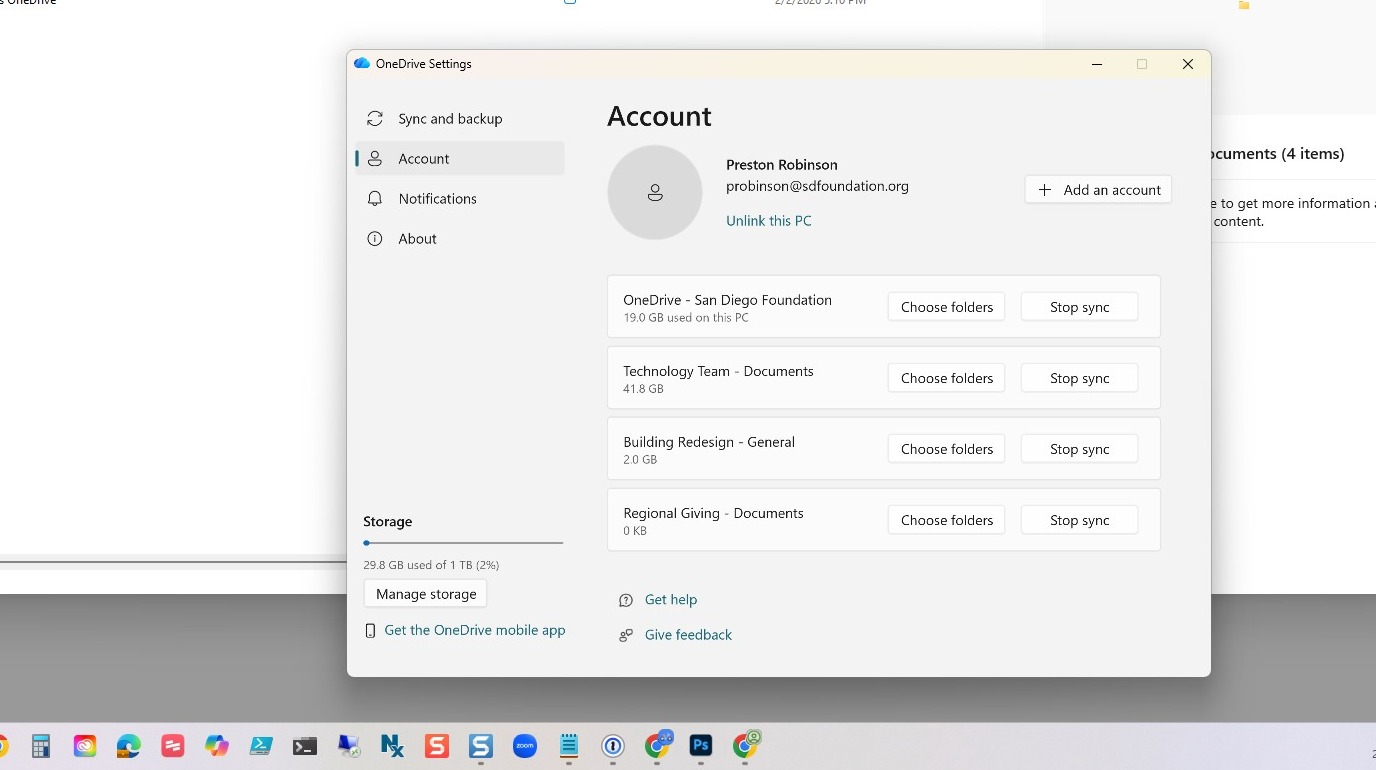
7. To check if you have the shared drive. Click on OneDrive in the System Tray, in bottom right corner, and select the gear (cog) for Settings. If you do not see this window click on Account, on the left, to make it visible.
8. You can close this notification.